Lororo
 Lororo Academy
You asked ChatGPT for a course on investing. The code block grows line by line, lessons and quizzes scroll past. Then the AI response is cut off in the middle of a word, and nothing else comes.
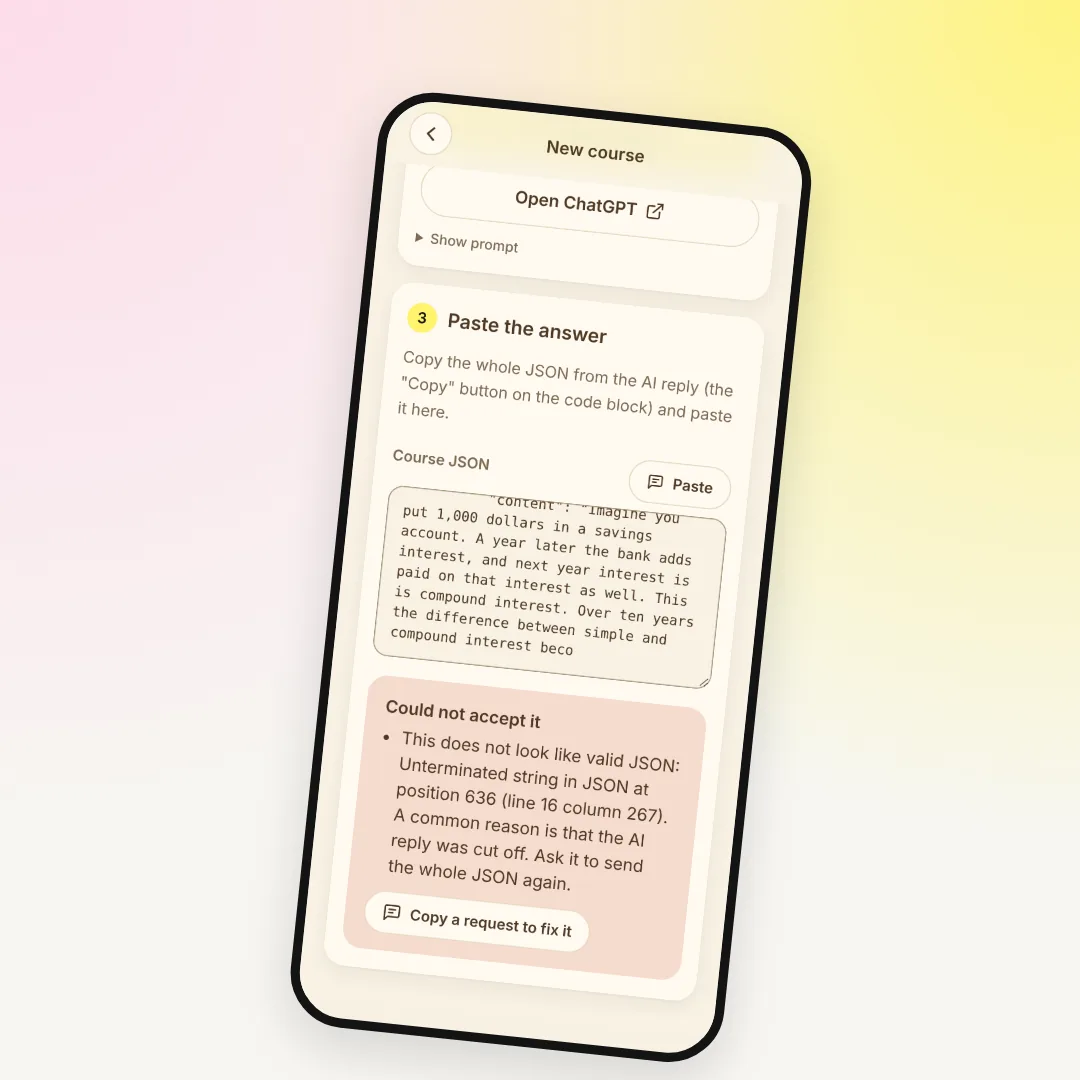
Or the opposite happens. The answer looks complete. You paste it into Lororo Academy, and instead of a course you see "Could not accept it".
It feels like the evening is lost and you have to start over. It isn't. The chat is still there, the AI remembers the course, and the fix takes a couple of minutes. It works the same in ChatGPT, Claude, Gemini or any other AI.
First, find out which case you have
There are two different problems, and they are fixed differently.
- The answer was cut off. The code block ends mid-sentence, and the last line isn't a closing
}. Sometimes the AI stops and the copy button never appears. Sometimes the answer is split into two messages. - The answer is complete, but Academy won't accept it. Academy shows "Could not accept it" and a list of reasons under the field.
Some things Academy fixes by itself. You can paste the whole reply, with the AI's words before and after the code. The ```json wrapper, curly quotes and an extra comma before a bracket don't break anything either.
When the AI response was cut off halfway
Every AI has a limit on how long one answer can be. A course is a long answer: the whole plan plus several lessons with sources and quizzes. When the answer hits that limit, the AI stops wherever it happens to be. Academy notices this too and says that a common reason is a cut-off reply.
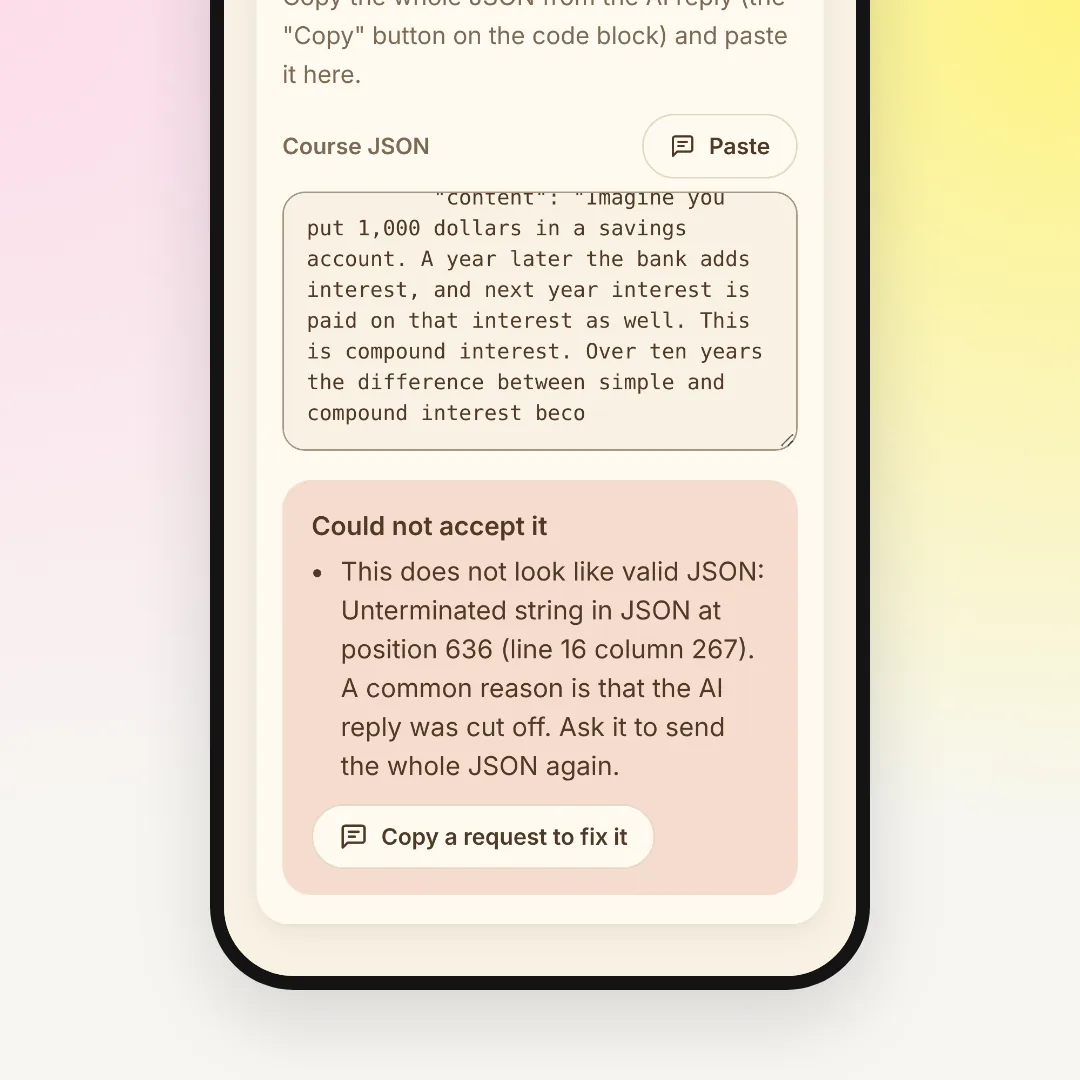
Don't write "continue" and glue the pieces together. The second part often repeats or skips a few lines, and one missing character is enough to break the JSON. Writing "next" after a complete answer is a different thing: then the AI sends the next lessons as a new, whole JSON.
It's better to ask for less in one answer. Start with the plan without lesson texts:
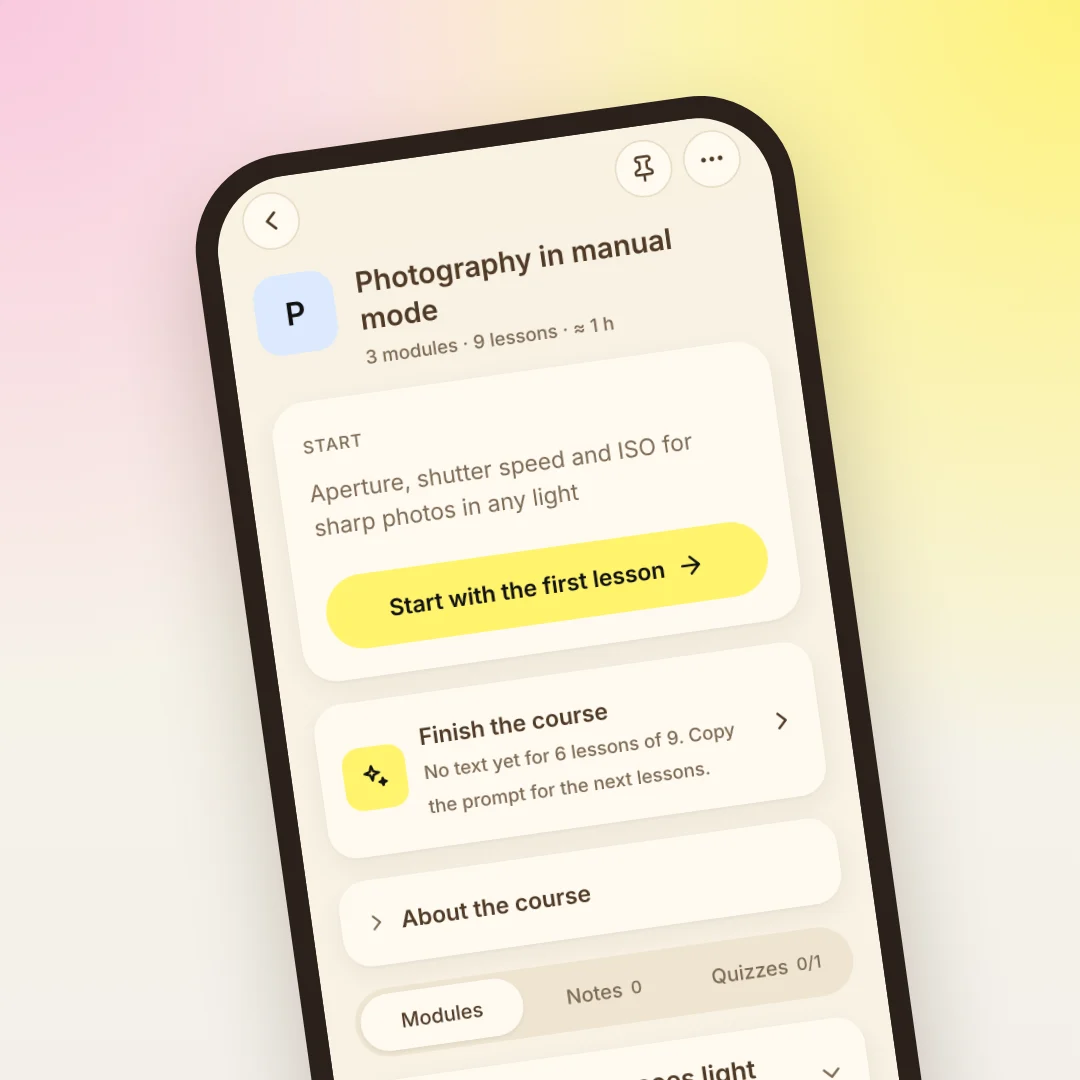
The plan is short, so it arrives whole. Paste it into Academy and press "Create course". The course appears with every module marked "not written".
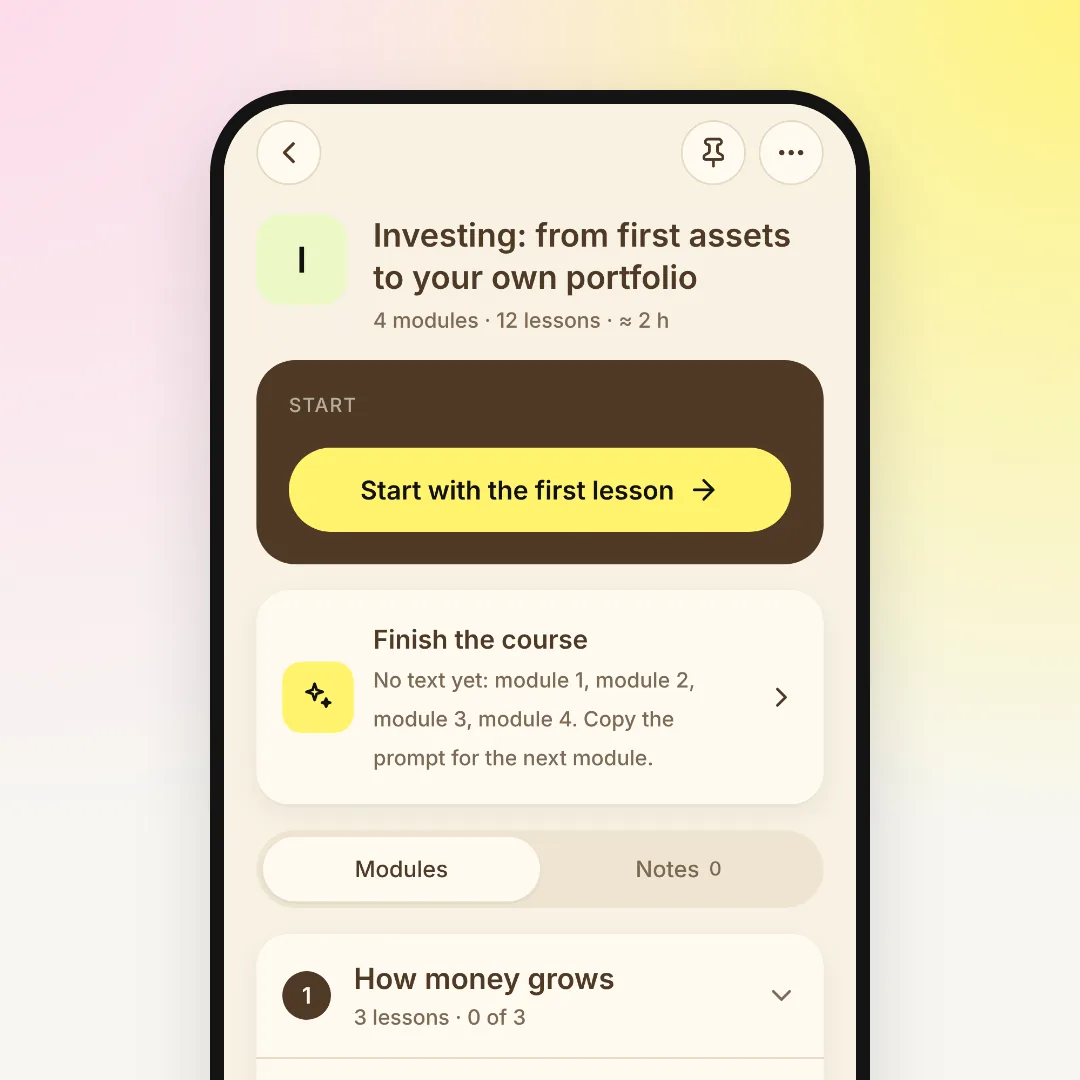
Then write the course a few lessons at a time:
- Open the course and press "Finish the course".
- On the "Write more" tab, choose a module and how many lessons at a time, then copy the prompt.
- Send it to your AI. A new chat is fine: the prompt already contains the course plan.
- Paste the answer and press "Update course".
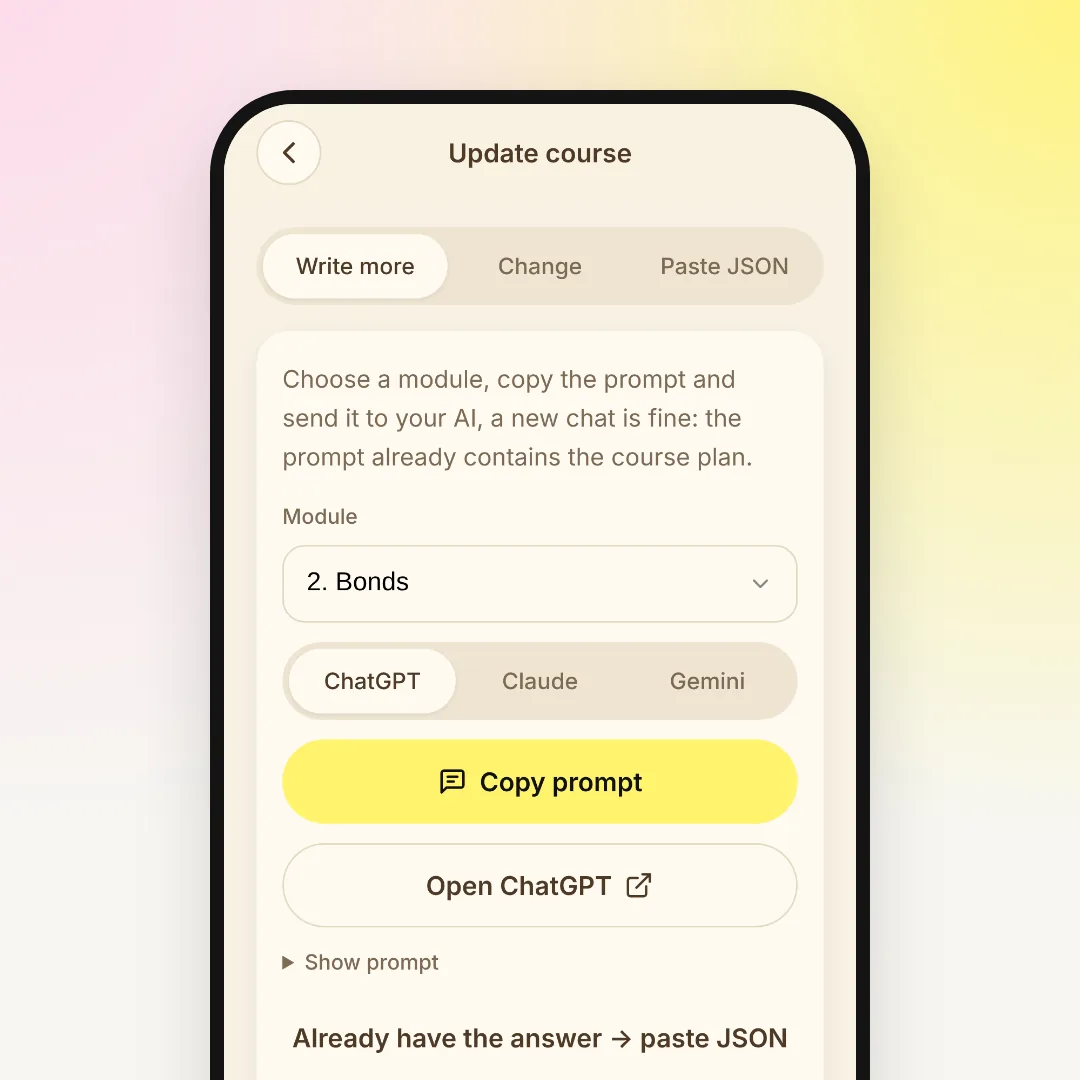
A few lessons are much shorter than a whole course, so they fit into one answer. Lessons you already have stay, and your notes and progress stay in place, because each lesson goes into its own spot by its id.
When the JSON is complete but Academy won't accept it
Then Academy shows exactly what is wrong. For example: "Module 2, lesson 3, question 1: "answer" must be the number of the correct option, from 1 to 4".
You don't need to understand JSON to fix it. Under the list there is a "Copy a request to fix it" button. Press it and paste the request into the same chat. It lists the errors and asks the AI to send the whole JSON again. Paste the new answer into Academy.
Usually the AI breaks JSON in one of a few ways:
- puts plain quotes inside a lesson's text, for example around a term;
- starts a new line inside a lesson with a real line break instead of
\n; - adds a comment or a note right inside the JSON.
The request handles all of these, so there is no need to edit anything by hand.
Two more things help the answer arrive clean:
- Copy with the button on the code block. On a phone it's easy to select by hand and miss the last bracket.
- Keep the answer in the chat. If ChatGPT opens it in a side editor (canvas), ask it to send the JSON as a code block in the chat. In Claude, an artifact is fine: copy the JSON from it.
How to skip copying altogether
With Claude and ChatGPT, you can connect Lororo once. In Academy, the menu has "Connect to AI" with the steps for each assistant. After that you just write in the chat, "Make me a course on investing", and the AI adds the course to Academy by itself, module by module.
There is no JSON to copy, so nothing gets cut off on the way. If the chat stops halfway, write "continue". The AI finds the course it already started and keeps writing it. It doesn't make a second copy.
The Gemini app can't connect Lororo yet. With Gemini, the plan-first approach above works best.
The same goes for words
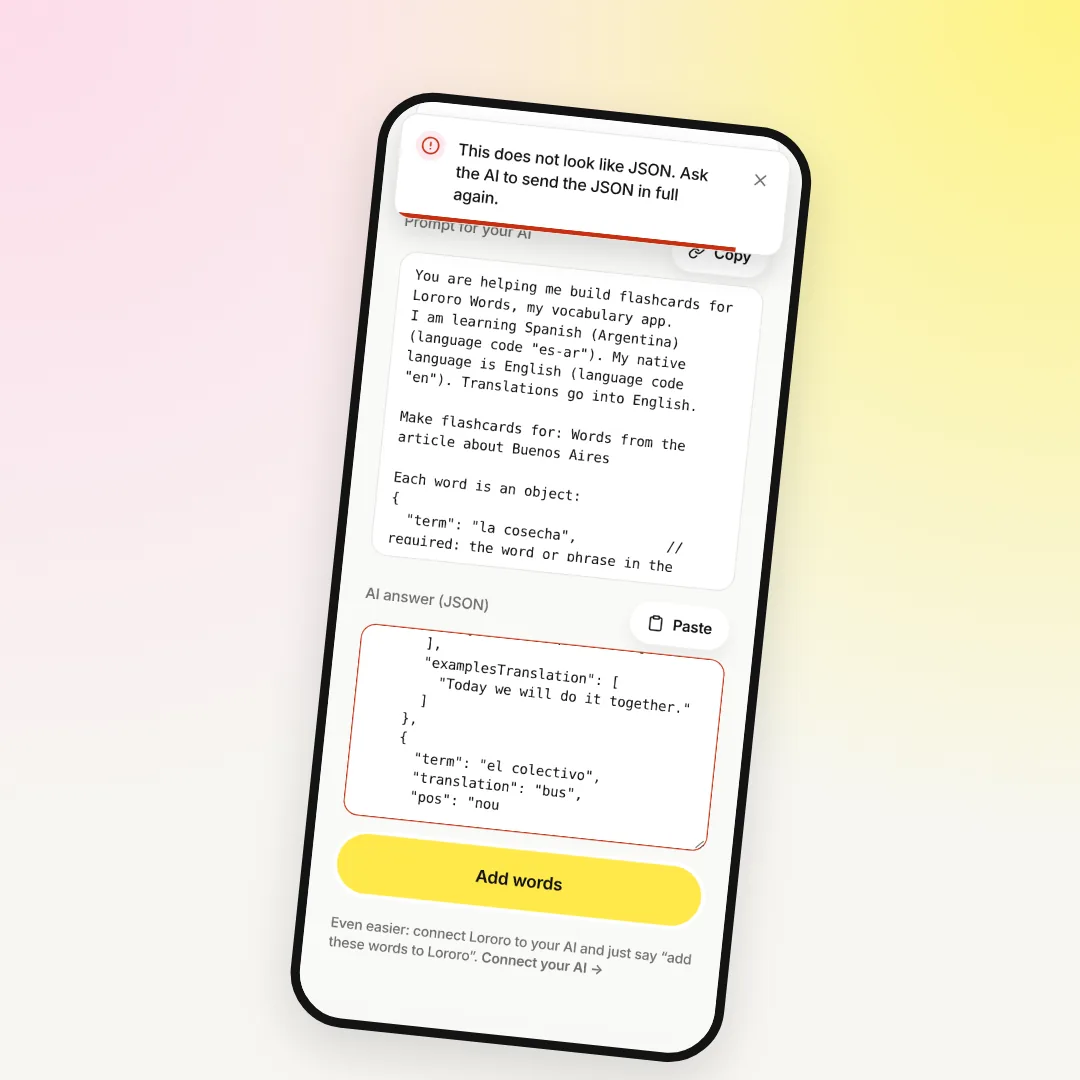
Lororo Words also takes JSON from your AI, as word lists for cards. A long list can break off halfway too, and Words has its own error messages. How to fix it there: AI word list cut off or won't load in Lororo Words: how to fix it.
What to do now
Go back to the chat where the answer broke off. Ask for the plan, paste it into Academy, and write the course a few lessons at a time.
If you haven't tried Academy yet, start with Lororo Academy: how to keep what you learn with AI. We're opening Lororo in waves: press "Join the waitlist", and we'll write when it's your turn.
 Lororo Words