Lororo
 Lororo Words
You read an article in Spanish with ChatGPT and found forty new words. You ask for all of them as cards for Lororo Words. The list grows in a code block, and then it stops at word twenty-seven, in the middle of an example.
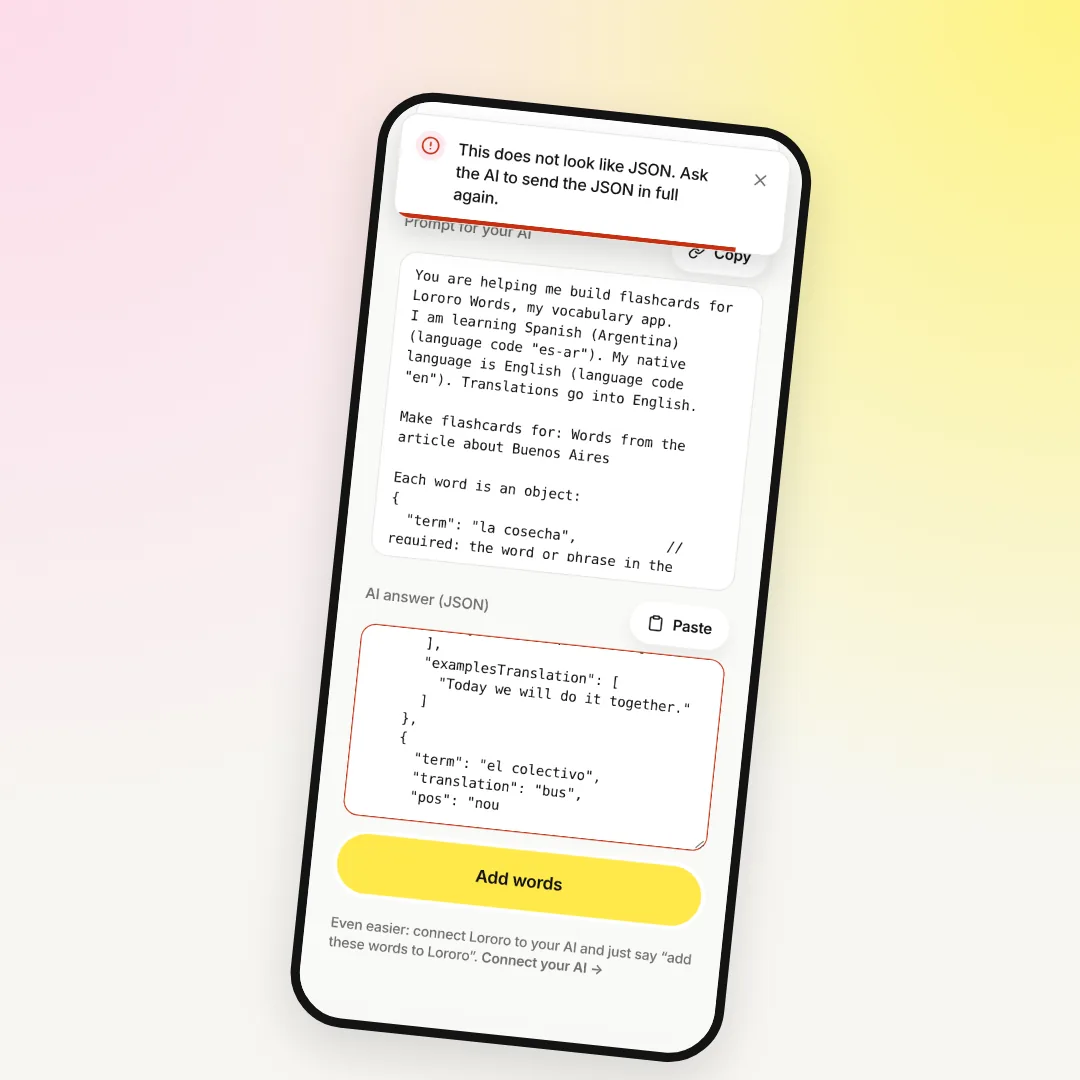
Or the list looks complete. You paste it into Words, press "Add words", and get "This does not look like JSON" instead of cards.
The words aren't lost. The chat is still there, and the AI remembers the list. Importing flashcards from ChatGPT, Claude or Gemini just needs one more short request.
First, find out which case you have
- The list was cut off. The code block ends mid-word, and the last line isn't a closing
}. Sometimes the AI stops and the copy button never appears. - The list is complete, but Words won't accept it. Words shows an error, and the answer field turns red.
Some things Words fixes by itself. You can paste the whole reply, with the AI's words before and after the code. The ```json wrapper, curly quotes and an extra comma before a bracket don't break anything either.
When the word list was cut off
Every AI has a limit on how long one answer can be. Each card is long: a translation, a definition, examples and their translations. So forty cards can easily run past that limit.
A cut-off list can't be loaded at all, even the words that did arrive. So ask for the list again, in parts:
Then paste the parts. You can add each part on its own, or copy the whole answer with all the parts at once: Words joins the lists from several code blocks into one.
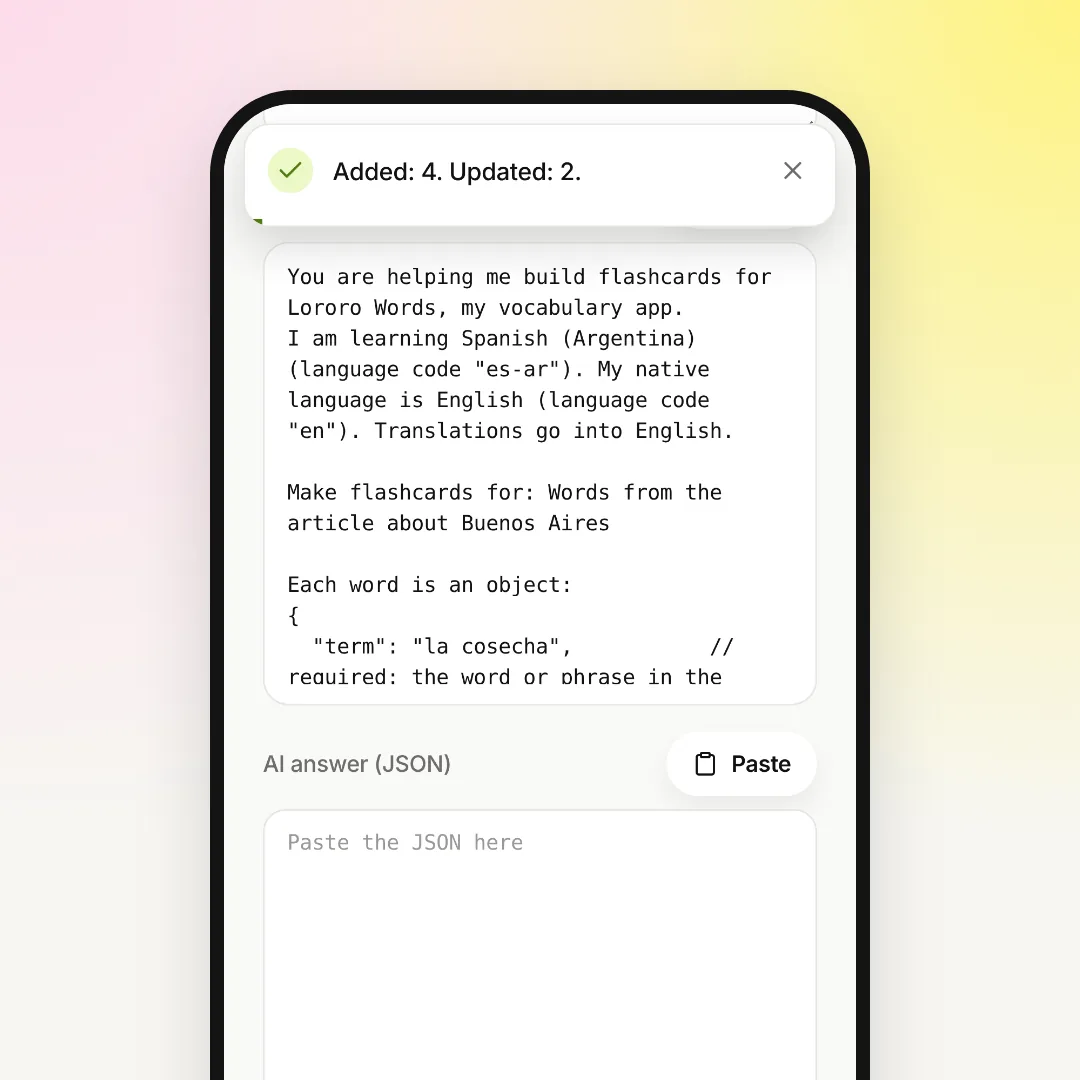
Don't worry about repeats. If a word is already in your dictionary, Words updates its card instead of making a second one. The message after saving shows both numbers, for example "Added: 13. Updated: 2."
When the JSON is complete but Words won't accept it
Words shows one of three messages, and each has its own fix.
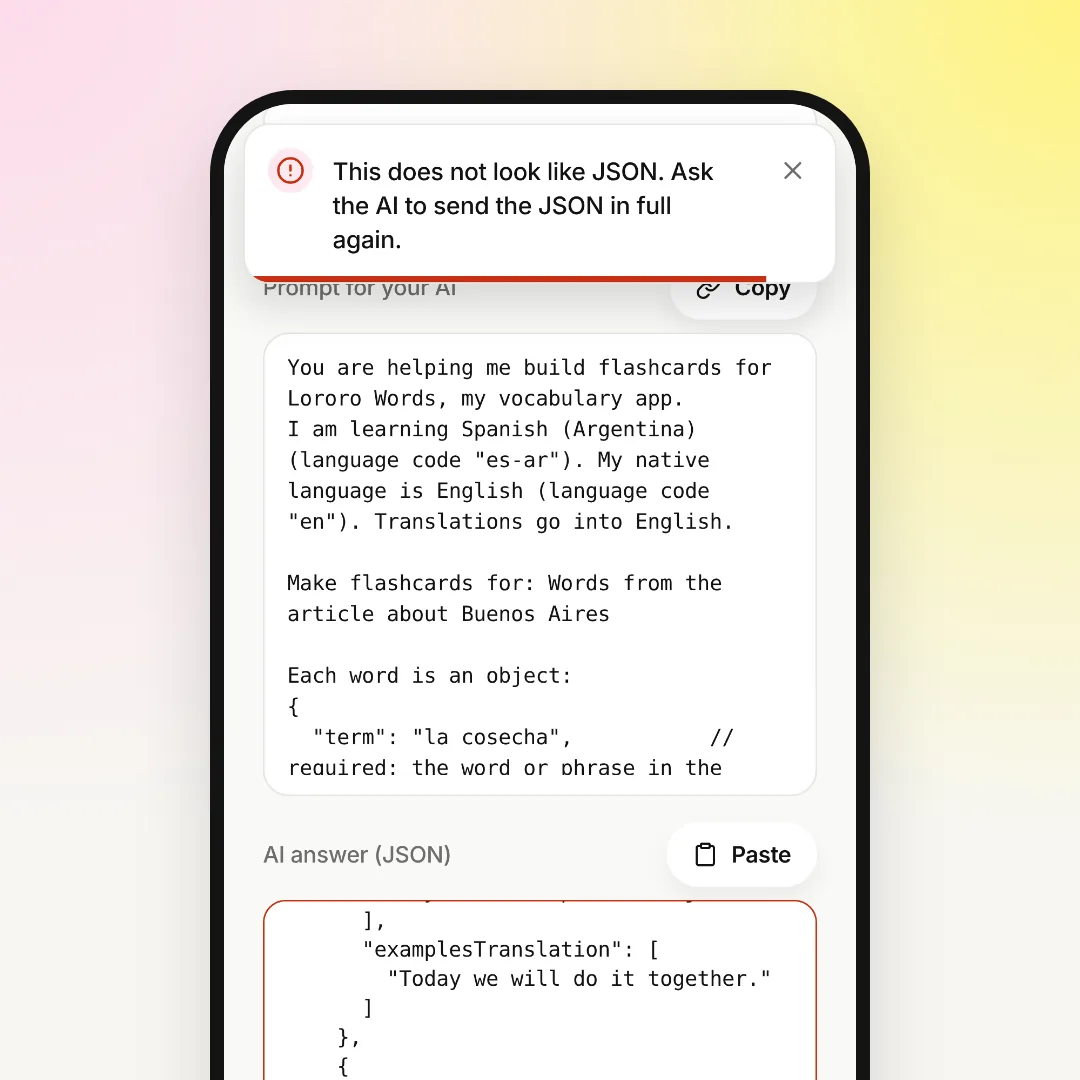
"This does not look like JSON." The AI broke the format somewhere. Most often it left comments like // required inside the JSON. Sometimes it put plain quotes inside an example sentence, or split the answer into pieces with text between them. Ask it to clean up:
"Expected a list of words". The JSON is valid, but it isn't a word list. For example, the AI sent a table or wrapped the words in its own structure. Ask it to answer in the format from the prompt, with the words in "words".
"Skipped:" with a list of words. This one is almost good news. The other words are already on cards. Words only skipped the cards that had no word or no translation. Ask the AI for just those words again and paste them.
Two more things help the answer arrive clean:
- Copy with the button on the code block. On a phone it's easy to select by hand and miss the last bracket.
- Keep the answer in the chat. If ChatGPT opens it in a side editor (canvas), ask it to send the JSON as a code block in the chat.
How to skip copying altogether
With Claude and ChatGPT, you can connect Lororo once. Under the paste form there is a "Connect your AI" link with the steps. After that you just write in the chat, "Add these words to Lororo", and the AI puts the cards into your dictionary by itself.
There is no JSON to copy, so nothing gets cut off on the way. If the chat stops halfway, write "continue". Words that are already in your dictionary simply get updated.
The Gemini app can't connect Lororo yet. With Gemini, ask for the list in parts as described above.
The same goes for courses
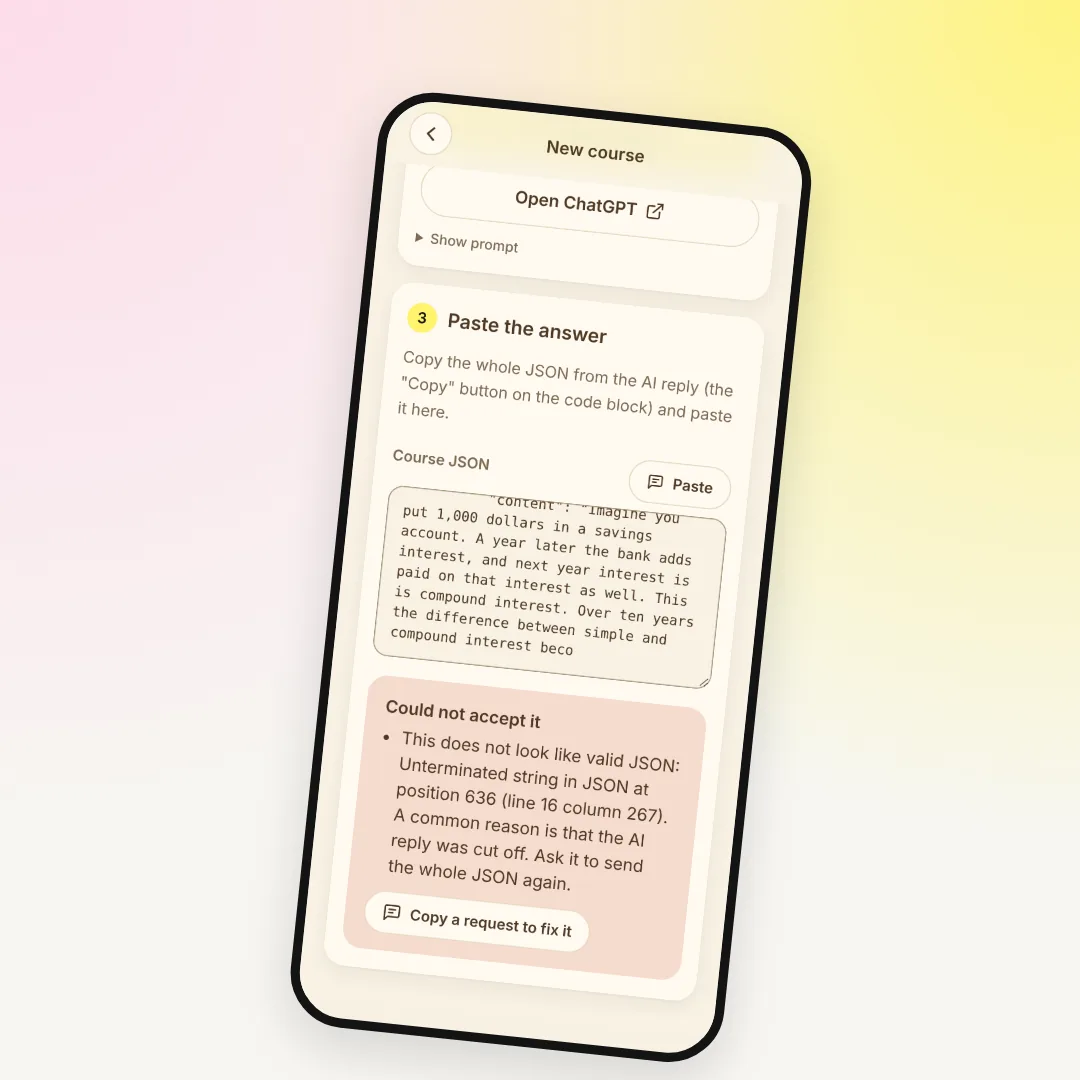
Lororo Academy also takes JSON from your AI, and a whole course is much longer than a word list. If a course stops halfway or won't load, read AI response cut off or the course won't load: how to fix it.
What to do now
Go back to the chat where the list broke off. Ask for the words in parts of twenty, paste them into "Paste a list from AI", and start your first game.
If you're new to Words, start with Your first 5 minutes in Lororo Words: language, starter pack, first game.
 Lororo Academy