Lororo
 Lororo Academy
Lororo is now in the Claude connector directory. You connect Claude to Lororo Academy in a minute, without copying any addresses. After that, you write "make a course from this chat", and Claude puts the lessons into Academy itself.
Why connect Claude to an app
You talk to Claude about things you want to understand. How to plan a monthly budget. How to start saving when the money runs out by the 25th. The answers are good, but a week later they sit somewhere in a long list of chats.
To keep them, you used to copy a prompt, wait for the JSON, copy it back and paste it into Academy. It works, but every new module means the same steps again.
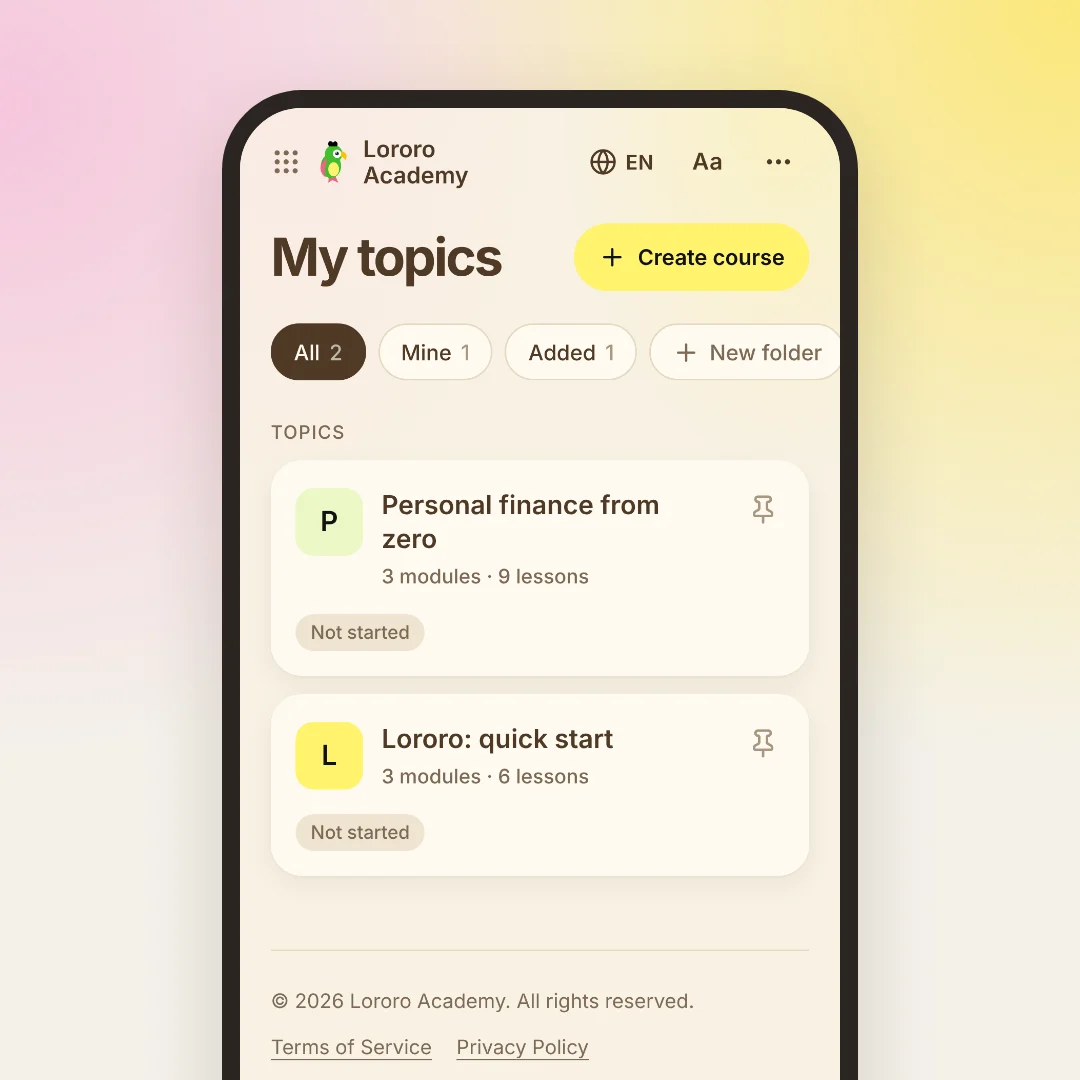
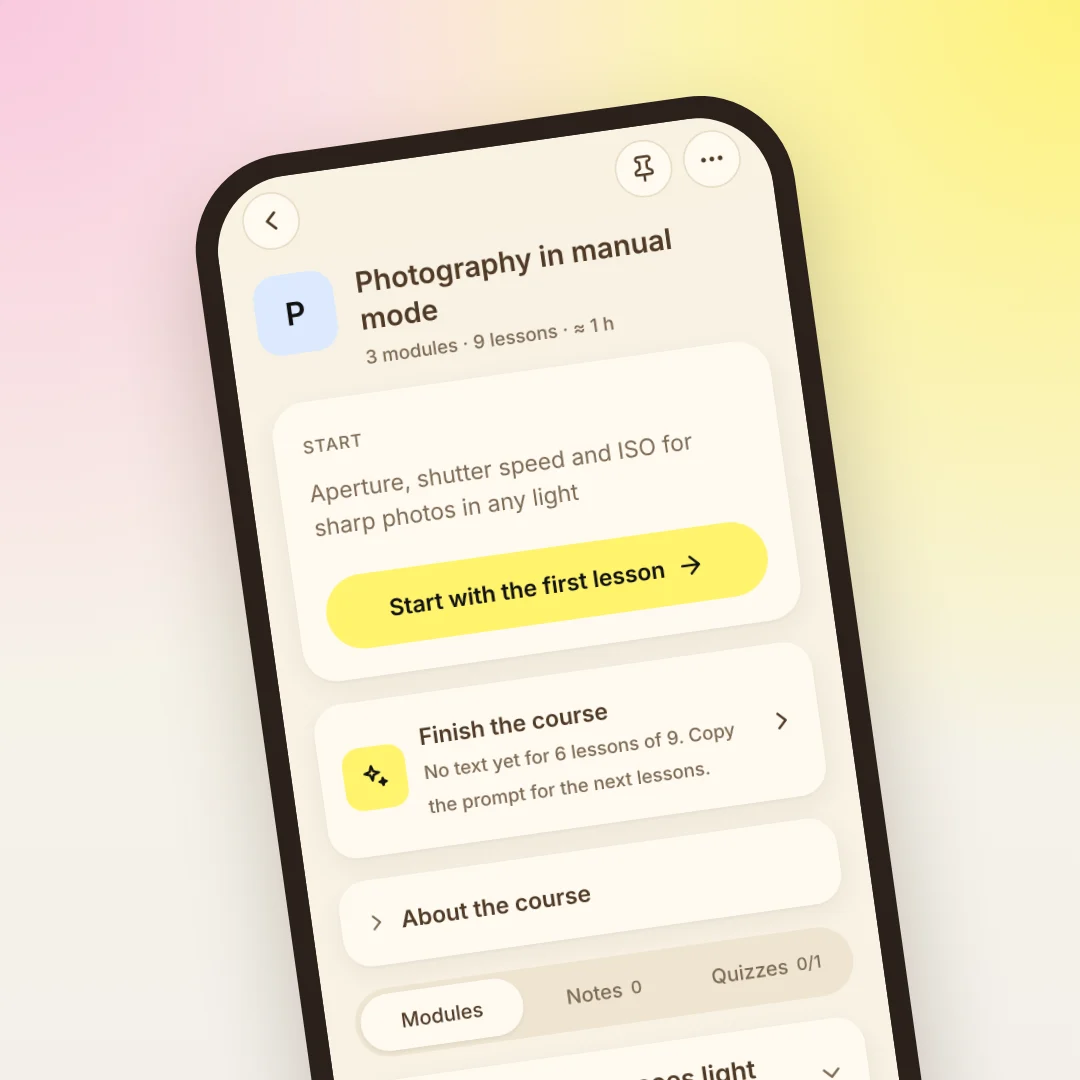
With the connector, you skip all of that. You ask Claude in plain words, and a minute later the course is in Lororo Academy, with quizzes, notes and your progress.
How to add Lororo to Claude
You can do it on claude.ai or in the Claude desktop app. Once it's connected, it works on your phone too.
- In Claude, open "Plugins" in the sidebar.
- Type Lororo in the search and choose Lororo, "Connector · By Lororo".
- Connect it. A Lororo page opens: sign in with your Google account and press "Allow".
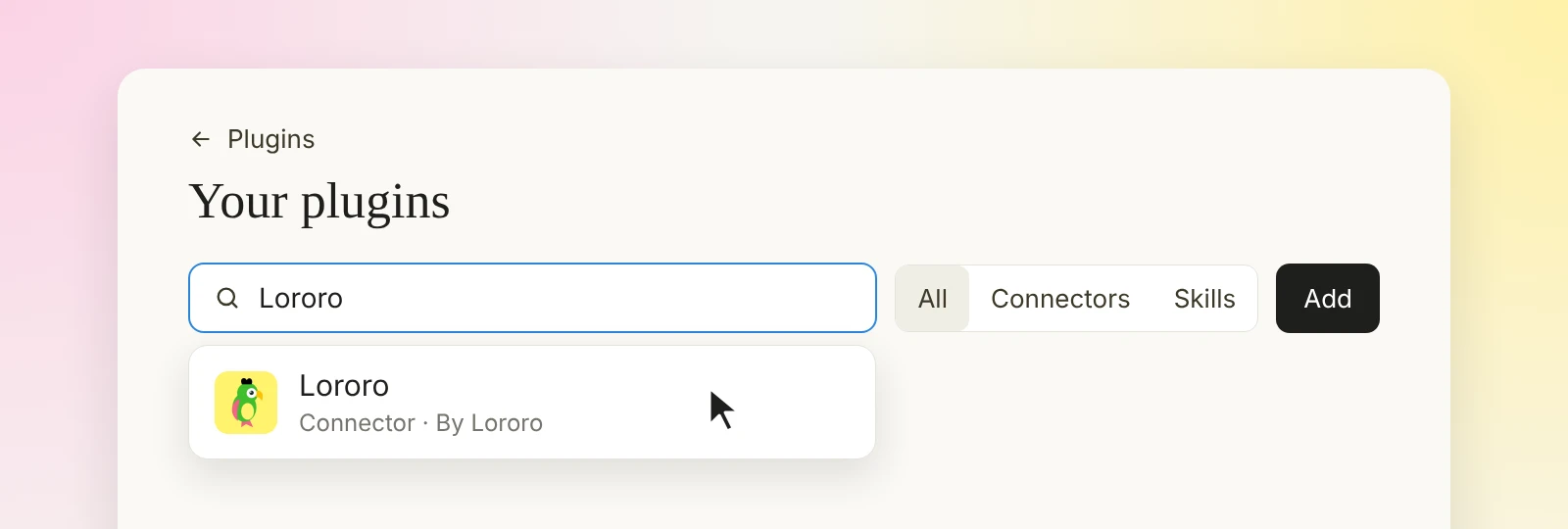
That's it. You don't need an invitation: when you connect Lororo through Claude, your Lororo account opens right away.
In a chat, Claude can use Lororo when you ask for it. If it doesn't, press "+" in the message box, open "Connectors" and check that Lororo is turned on.
First request: a course from your longest chat
Go to the chat where you've asked about one topic the longest. Then write:
Claude first looks at the courses you already have. Then it creates the course with the whole plan and writes the first module. Each lesson has sources and a short quiz. At the end, Claude gives you a link to the course.
Write the rest of the course in the chat
When you've read the first module, come back to the same chat, or open any new one, and ask for more. A few requests that work well:
- "Write the next module of my finance course."
- "Module 3 is too much theory. Rewrite it with examples in real numbers."
- "Add a module about paying off a loan at the end of my finance course."
- "Sort my Lororo courses into folders: work, languages, hobbies."
Claude keeps the ids of your lessons when it rewrites them. Your progress and notes stay where they were.
Sometimes your chat is about a language, and you need the words more than a course. The same connection serves Lororo Words. Read how in Lororo Words is now in Claude: connect it, and Claude adds your flashcards.
What Claude can see, and how to disconnect
When you press "Allow", Claude can see your courses and lessons, create courses and add or rewrite modules. It can also see your Lororo Words dictionary, add words as cards and delete words when you ask. It can't read your notes and can't delete courses.
To turn the connection off, open "Connect to AI" in the menu under your photo in Lororo Academy. Under "Connected AI" you see Claude. Press "Disconnect" next to it. Removing Lororo in Claude alone doesn't revoke the access, so use "Disconnect" in Lororo.
If you use ChatGPT instead, the steps are in ChatGPT plugin for learning: connect Lororo Academy, and ChatGPT writes the course into it.
Try it with your longest chat
Connecting takes about a minute. Start with the chat where you asked the most questions, and ask Claude to turn it into a course. If you're new to Lororo Academy, read Your first 5 minutes in Lororo Academy: create a course with AI first.
 Lororo Words