Lororo
 Lororo Words
For a month you've been asking ChatGPT the same kind of question. A friend from Buenos Aires writes "che, ¿hacemos una previa?", and you paste the message into the chat. ChatGPT explains previa, boliche, re and al toque. The chat is now long and full of words.
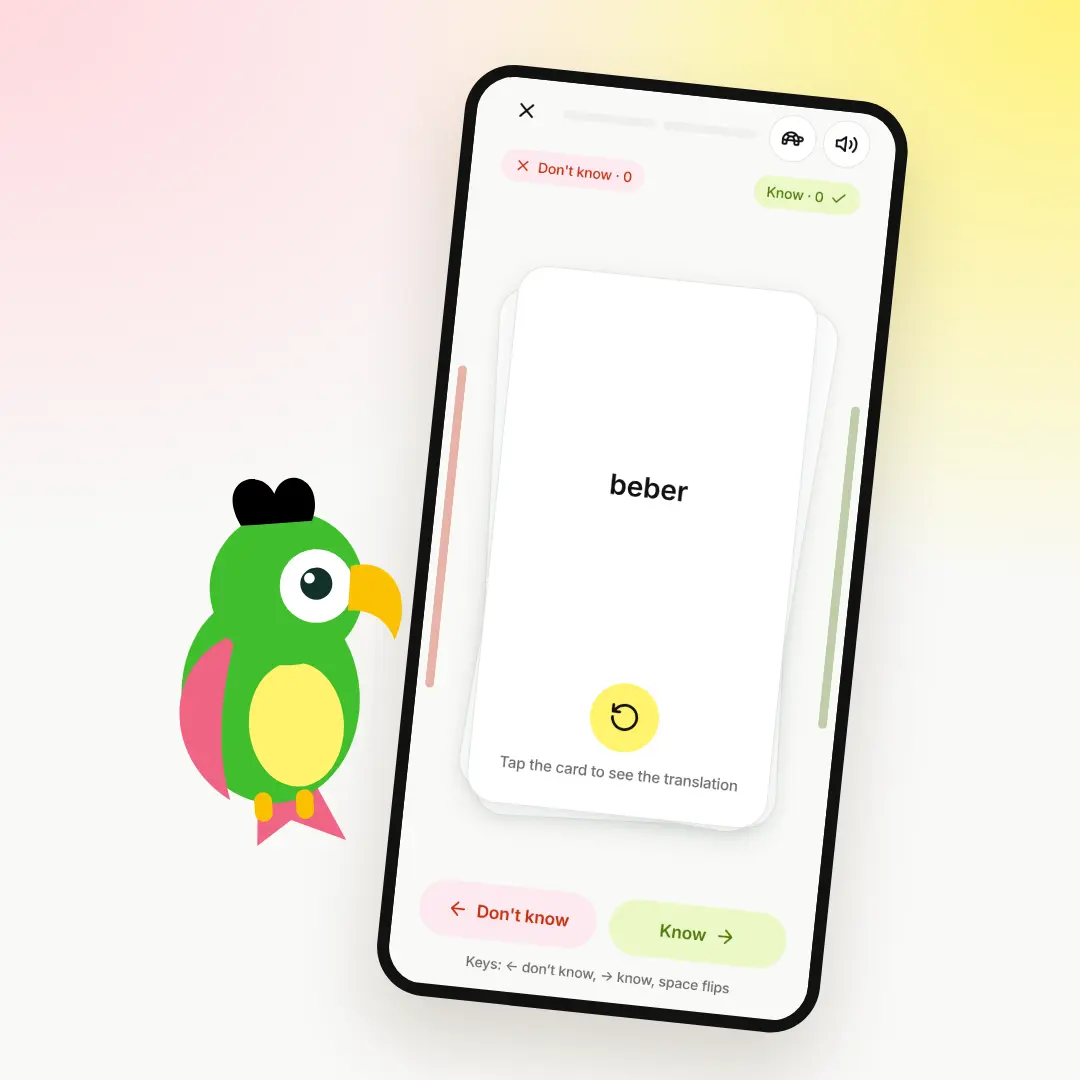
Those words are still only in the chat. You can make ChatGPT flashcards from them in a few minutes: ask ChatGPT to gather the words, then paste its answer into Lororo Words. Every word becomes a card with a translation, examples and a level, and Words brings it back until you remember it.
Why the words from your chat don't stay
A translation in a chat is a one-time thing. You read it, you understand the message, you move on. A week later your friend uses boliche again, and you scroll up through the chat to find it.
Searching the chat costs time, and the word still isn't yours. To remember a word, you need to meet it again a few days later, and then again a bit later. A long chat doesn't do that. Cards do.
A ChatGPT flashcards prompt for your old chat
The chat already has everything: the words, what they mean, the messages where you met them. ChatGPT only needs to put them into a format Words understands. Lororo Words writes that request for you.
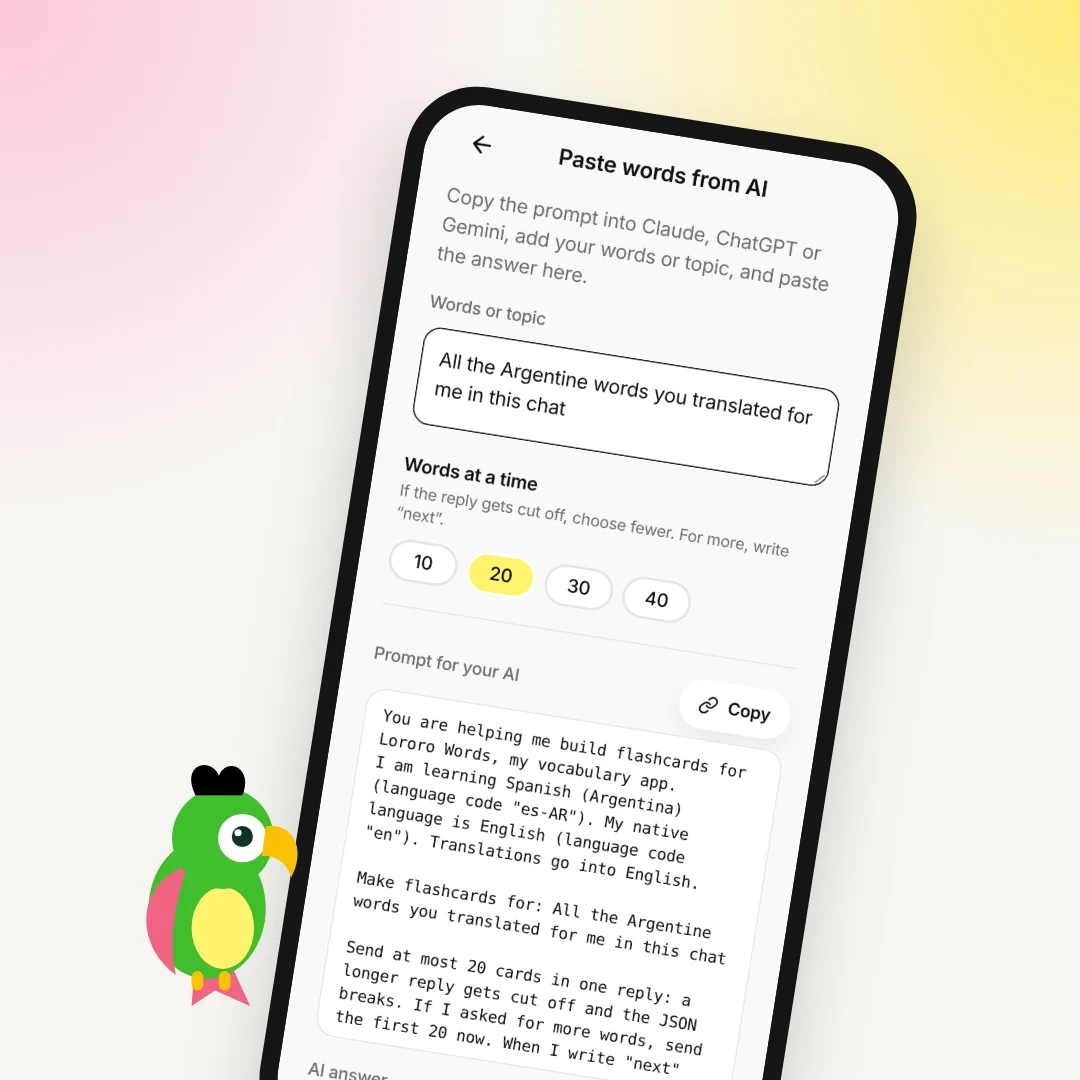
- In Lororo Words, open "Add word". Under "Other ways", choose "Paste a list from AI".
- In "Words or topic", write what to take. For example: all the Argentine words you translated for me in this chat.
- Press "Copy" next to "Prompt for your AI".
- Go back to your old chat with ChatGPT and paste the prompt there, at the end of the chat.
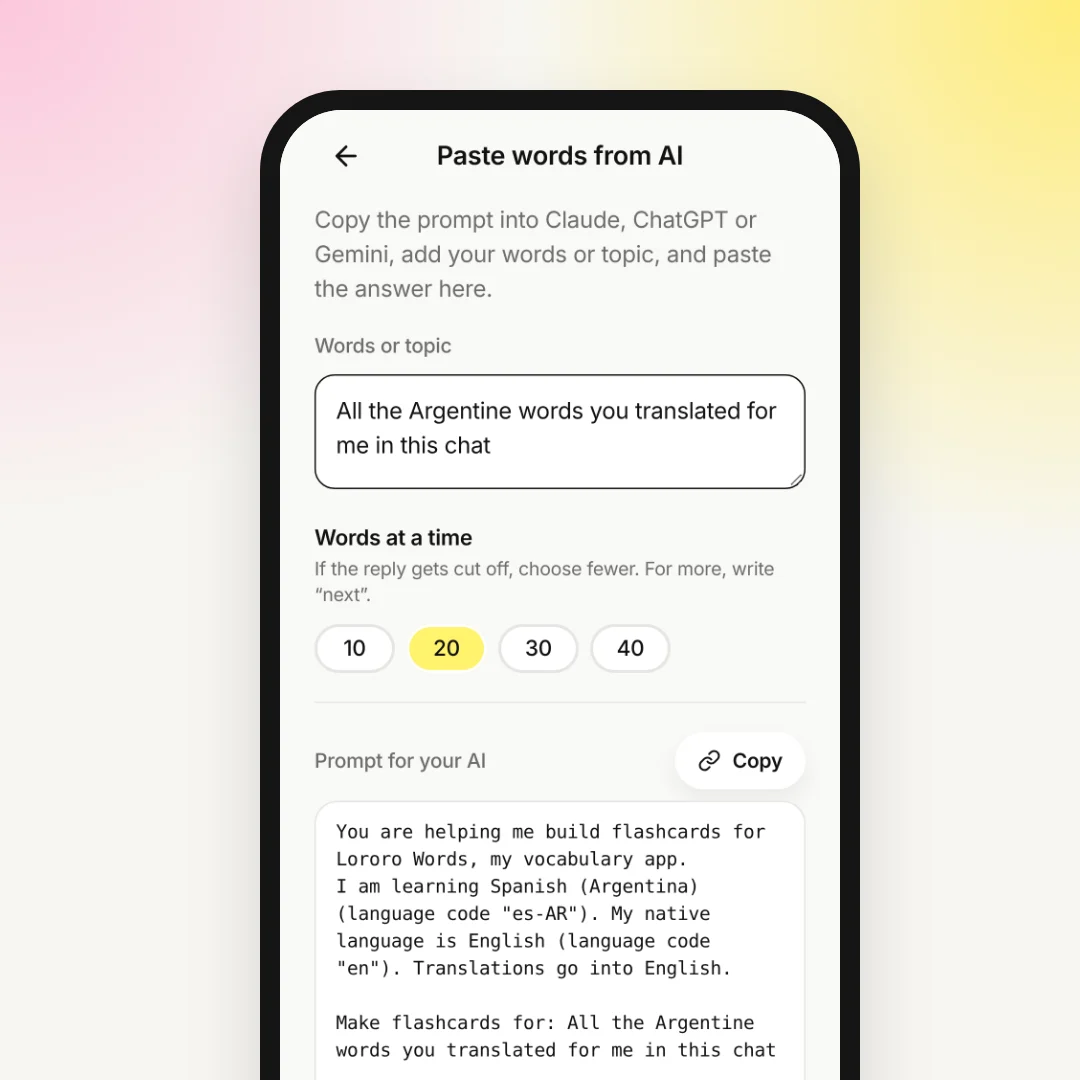
The prompt tells ChatGPT which language you learn and which is your native one. If you learn Argentine Spanish, it says so, and the examples sound the way people speak in Buenos Aires. It also asks for complete cards: a translation, a definition in Spanish, one or two examples with their translation, the part of speech and the level.
In a long chat, ChatGPT can skip a few words. You don't need to remember them yourself: ask ChatGPT to check its own list against the chat.
Paste the answer into Lororo Words
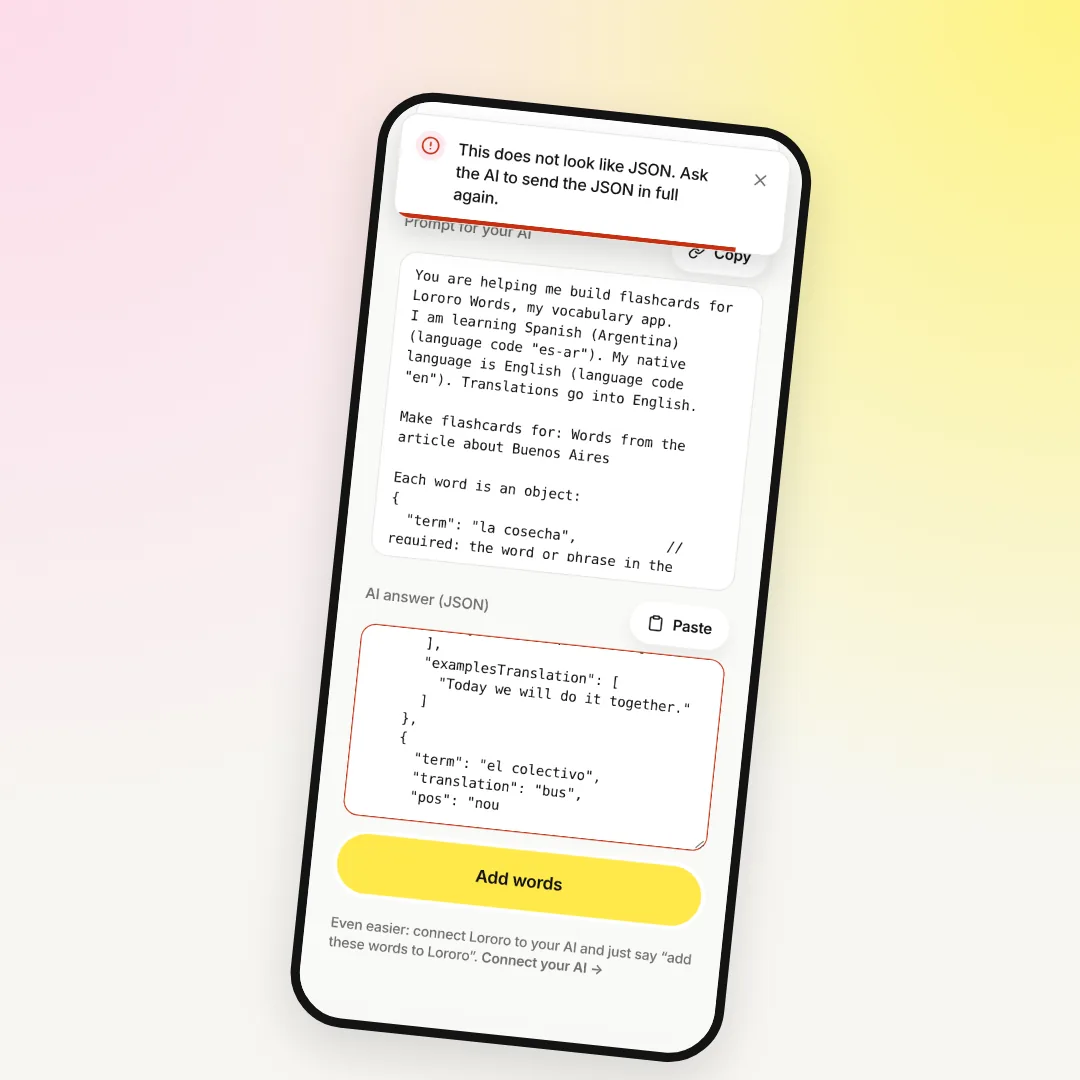
ChatGPT replies with JSON, a block of text in a special format. You don't need to read it.
- Copy the whole answer. The copy button above the code block works well.
- Back in Words, paste it into "AI answer (JSON)".
- Press "Add words".
Words shows how many words it added. They are in the "Words" tab, and they join your practice a few new ones a day.
A long chat can mean fifty words or more. ChatGPT sends them in parts: 20 at a time by default. Choose a number under "Words at a time" before you copy the prompt. After the first part, write "next" in the chat, and ChatGPT sends the next 20. Paste each part and press "Add words" each time.
If the answer stops in the middle of a word, or Words writes "This does not look like JSON", read AI word list cut off or won't load in Lororo Words: how to fix it.
Keep the old chat clean, if you like
Maybe you don't want a big prompt at the end of your chat with your friend's messages. Then do it in two steps.
In the old chat, ask for a plain list:
Copy the list and paste it into "Words or topic" in Lororo Words. Now the prompt contains your words. Send it in a new chat with ChatGPT and paste the answer back as above.
Cards that are missing something
Some games need more than a translation. Tests, Crossword and Sentences need a definition, an example and their translations on every card. If some cards lack them, open the "Words" tab and tap "Improve with AI".
There, "Fill in" takes what's missing from the Lororo dictionary for free. For words it doesn't know, use "With your AI": copy the prompt to ChatGPT, paste the answer and press "Update cards". Your review progress stays.
Before you ask ChatGPT for new words, you can show it the ones you already have. In "Profile", press "Export all words (JSON)" and attach the file to the chat. Then ask for words on a topic that aren't in the file yet. The same file is also a backup: "Open file" on the import page brings your words back.
Too much copying? Connect ChatGPT once
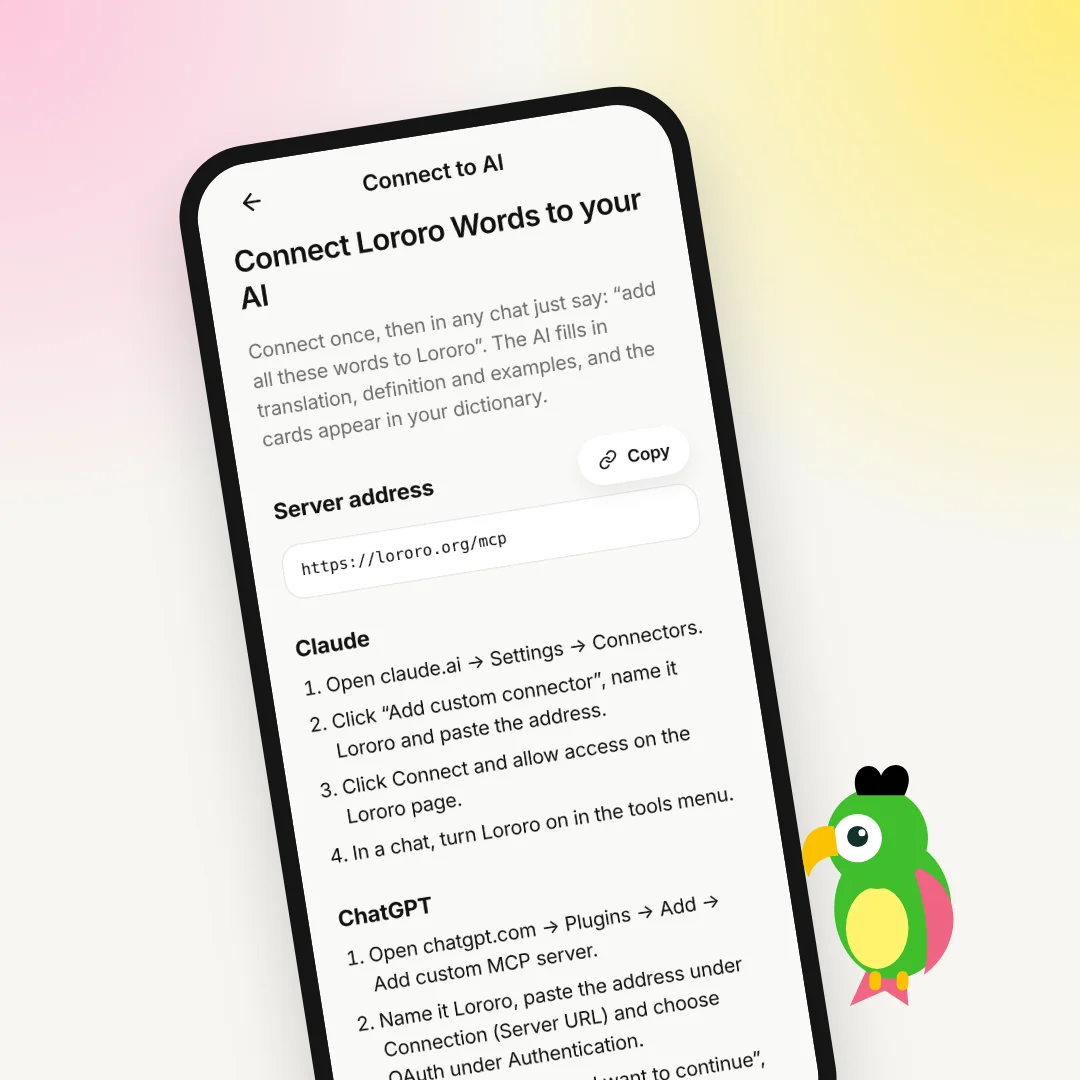
Copying the prompt and the answer back and forth is fine for an old chat. If you do it every week, it gets tiring. You can connect Lororo to ChatGPT once. After that, you write "add all the Argentine words from this chat to Lororo", and ChatGPT puts the cards into your dictionary itself. The steps are in Connect Lororo Words to ChatGPT as a plugin.
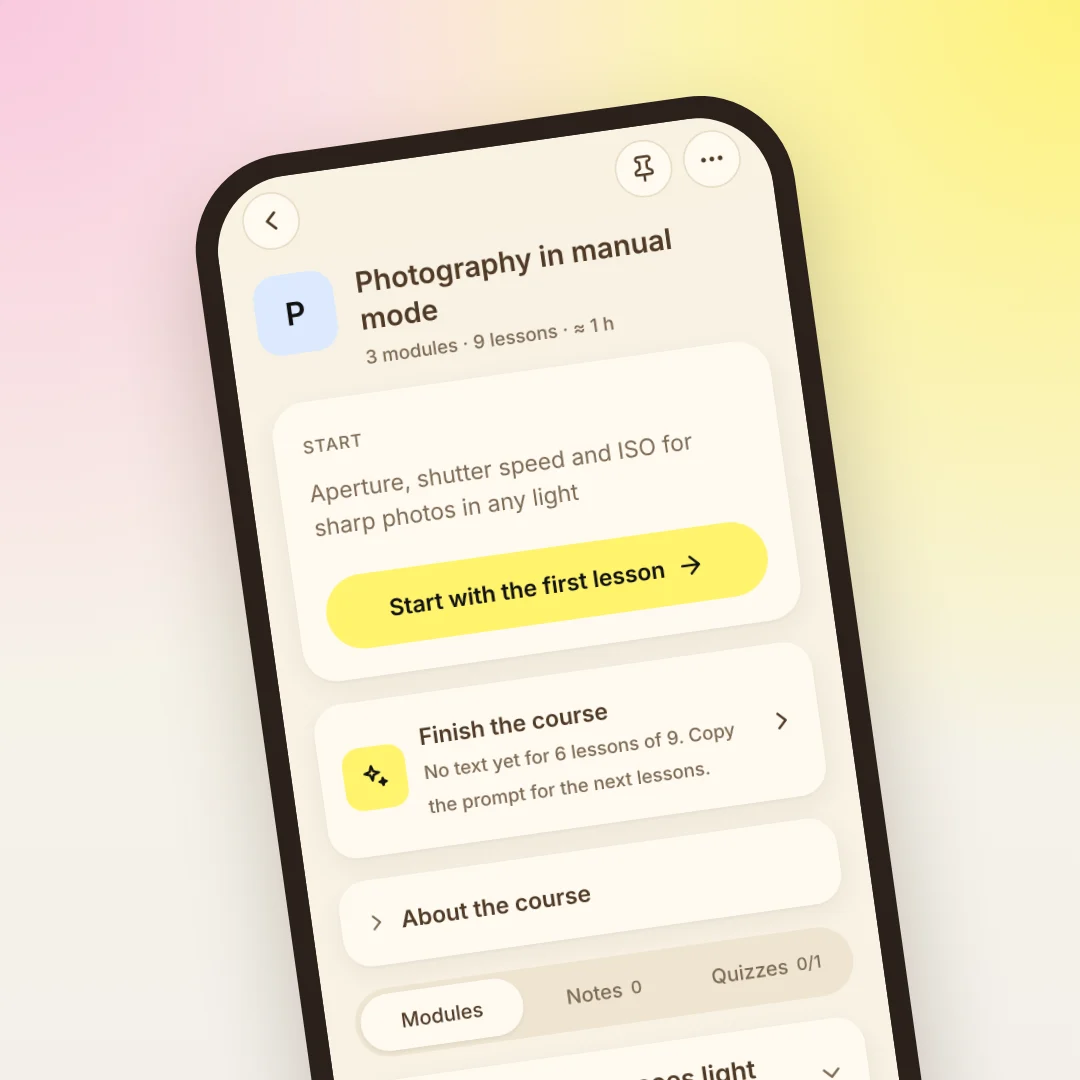
Sometimes the chat isn't about words but about a whole topic, like renting a flat in Argentina or how vos works. Lororo Academy turns such a chat into a short course with quizzes, with the same account. Read more in Lororo Academy: how to keep what you learn with AI.
Start with your longest chat
Open the chat where you've translated the most words, and turn it into cards today. A week later, your friend's messages will have fewer words you need to look up. If you're new to Lororo Words, first read Your first 5 minutes in Lororo Words: language, starter pack, first game.
Lororo opens in waves. Press "Join the waitlist", and I will write when it's your turn.
 Lororo Academy