Lororo
 Lororo Words
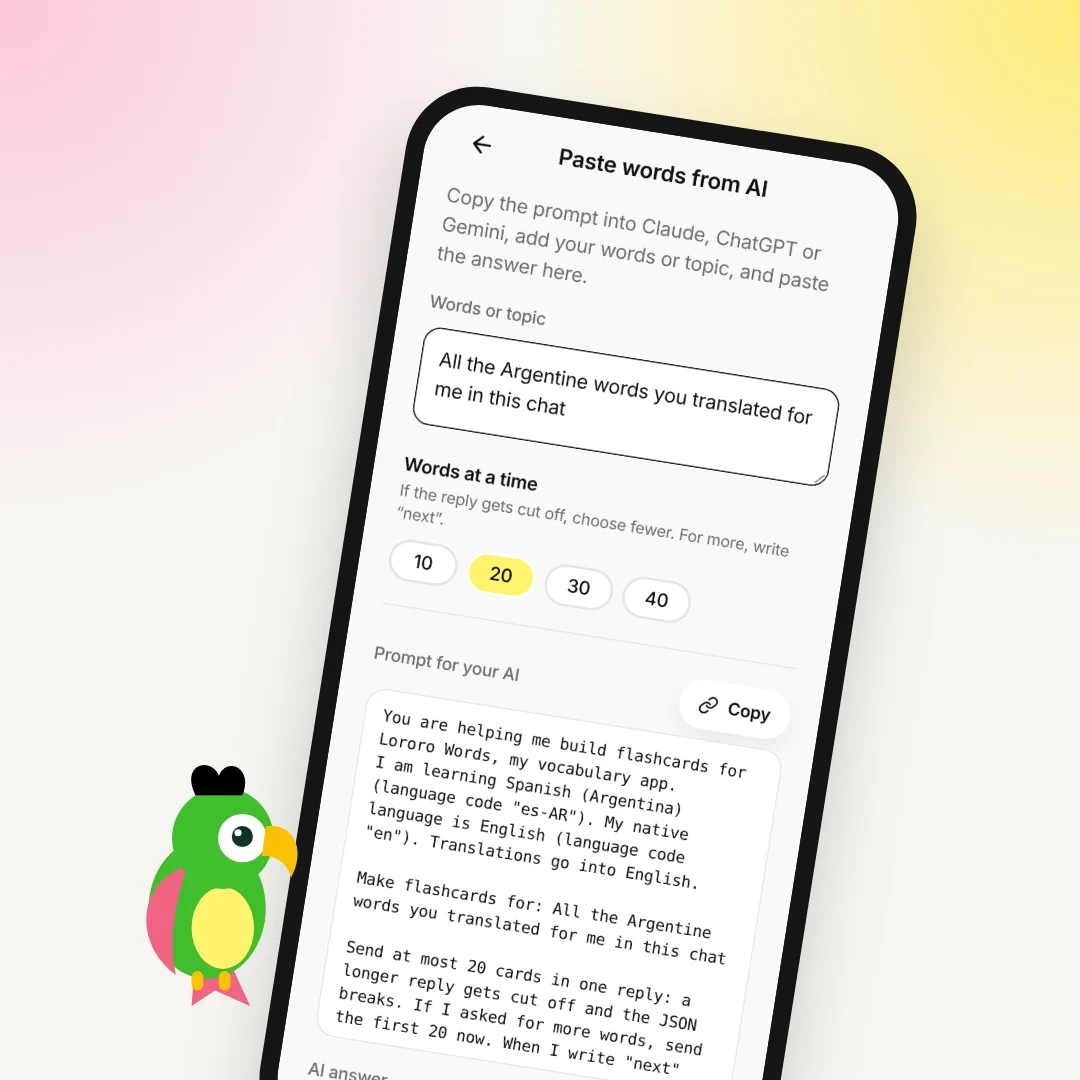
Every evening you chat with ChatGPT in Spanish. You ask it what your friend from Buenos Aires meant, and you collect new words along the way. Each week you copy a prompt into the chat, copy the JSON back and paste it into Lororo Words. It works, but it is one more chore.
A ChatGPT plugin for flashcards removes that chore. You connect Lororo Words to ChatGPT once, in about two minutes. After that, you write "add all the Argentine words from this chat to Lororo", and ChatGPT puts complete cards into your dictionary itself.
What changes when ChatGPT is connected
Without the connection, ChatGPT can only write text. You carry that text from the chat to Words and back.
With the connection, ChatGPT can work with your dictionary directly. It sees your language pair, so it knows that you learn Argentine Spanish and that your native language is English. It sees which words you already have. It adds new cards with a translation, a definition, examples and their translations. If a word is already in your dictionary, ChatGPT updates its card, and your review progress stays.
You don't copy anything. You ask, and the words are on cards a few seconds later.
How to connect Lororo Words to ChatGPT
You need two windows: Lororo Words and ChatGPT in the browser.
- In Lororo Words, open "Profile" and choose "Connect to AI". Copy the "Server address" there.
- Open chatgpt.com. Go to Plugins, press Add, then "Add custom MCP server".
- Name it Lororo. Paste the address under Connection (Server URL), and choose OAuth under Authentication.
- Tick "I understand and want to continue" and press "Create as a plugin".
- ChatGPT opens a Lororo page. If it asks, sign in with the same Google account you use in Lororo. Press "Allow".
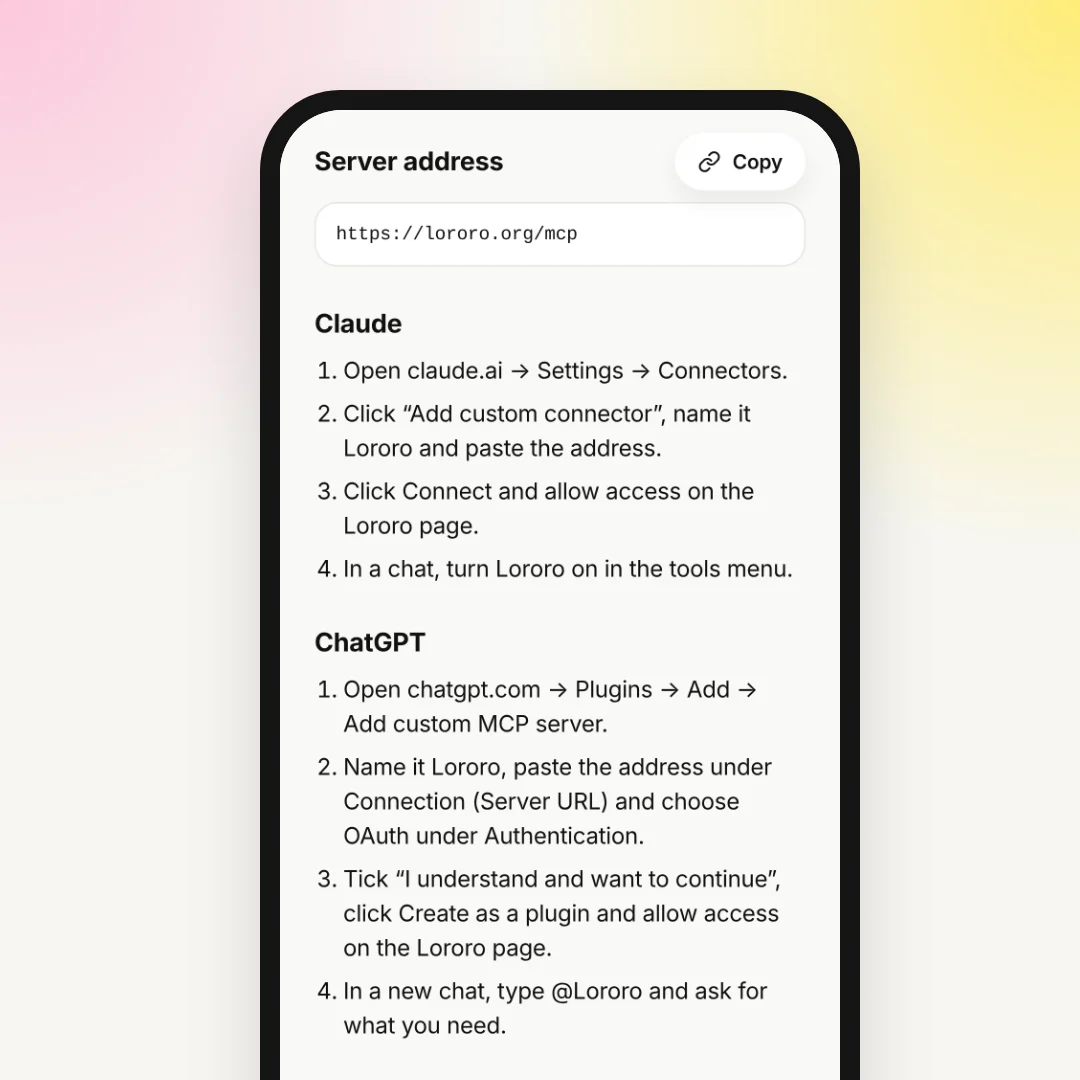
Now open a new chat, type @Lororo and ask for what you need. The connection stays: you don't repeat these steps.
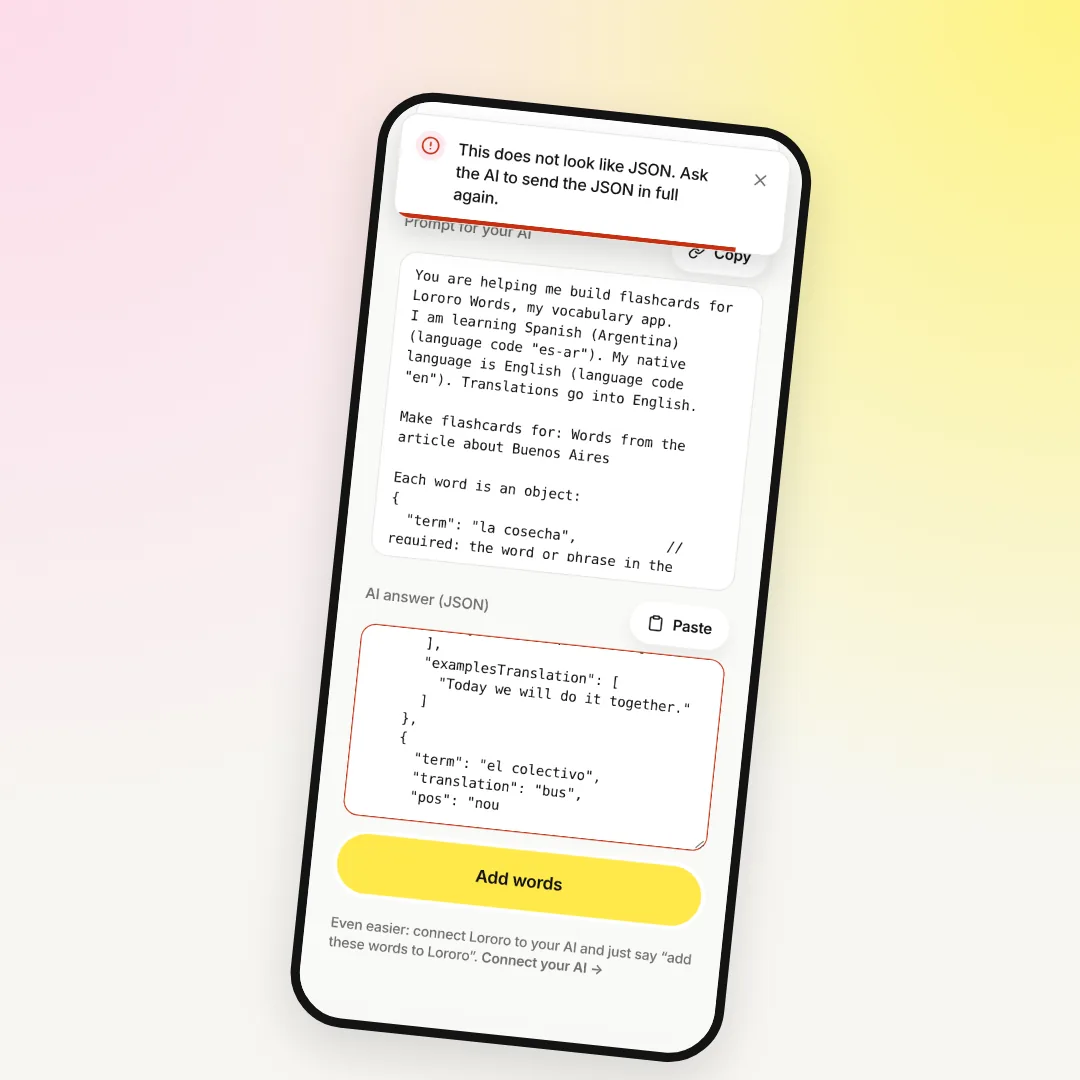
If your ChatGPT doesn't offer "Add custom MCP server", or you're on someone else's computer, you can still use ChatGPT with Words by copy and paste. The steps are in ChatGPT flashcards: turn the words from your chat into cards in Lororo Words.
First request: the words from an old chat
Go to the chat where you've asked about Spanish words the longest. Type @Lororo and write:
ChatGPT first checks your language pair. Then it adds the words, up to 300 in one go, and tells you how many it added. If some cards came out without examples, Lororo asks ChatGPT to fill them in right away.
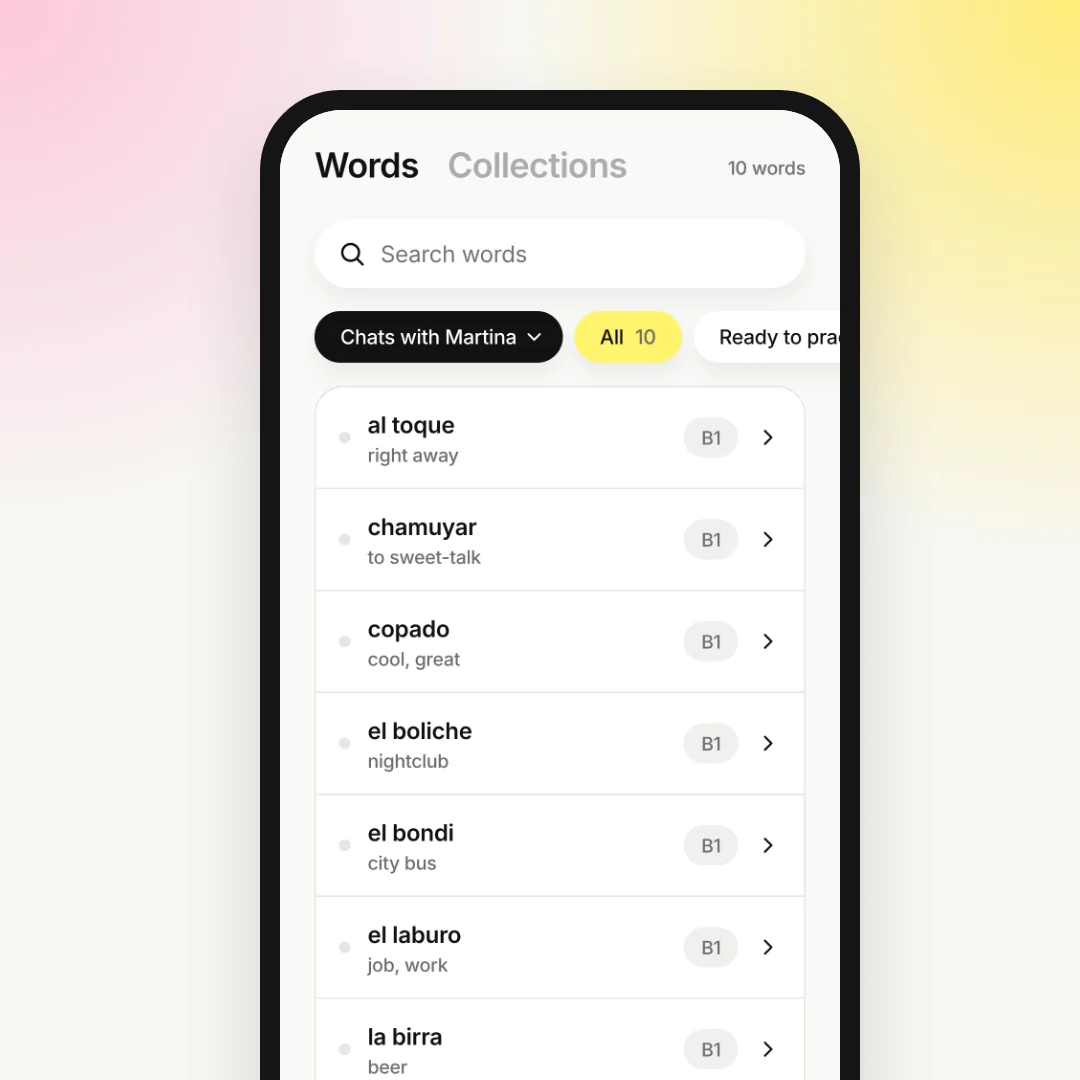
Open the "Words" tab in Lororo Words: the new deck is there. The cards join your practice a few new ones a day, at the pace you set in "Profile" under "New words per day".
What else to ask ChatGPT
The same connection works for more than one chat. A few requests that work well:
- "Make 20 cards about cooking for Lororo."
- "Which words in my Lororo dictionary have no examples? Fill them in."
- "Do I already have boliche in Lororo?"
- "Delete the word pibe from my Lororo dictionary."
ChatGPT deletes words only when you ask. A deleted word loses its review history, so ask only when you really mean it.
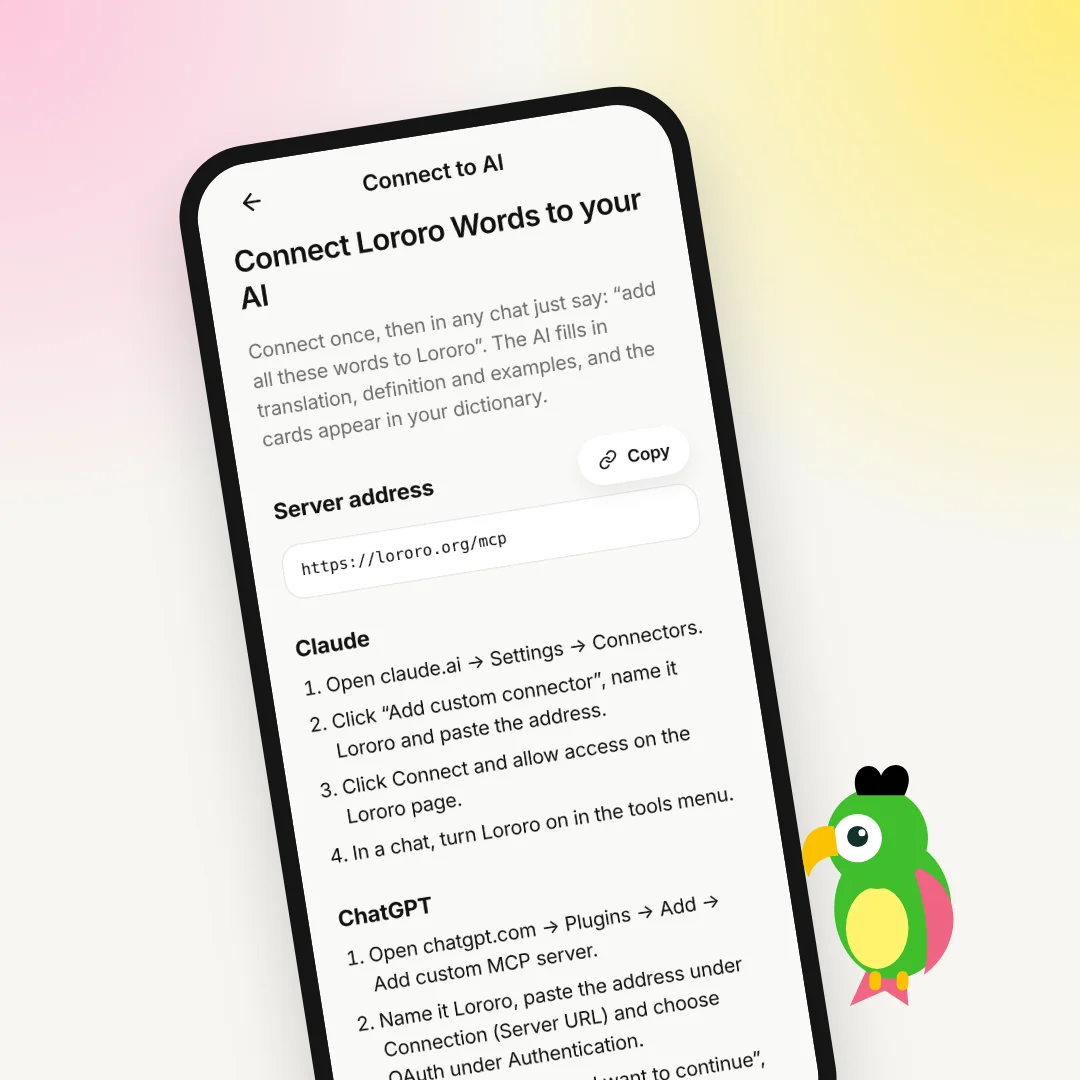
Sometimes your chat is about a whole topic, not single words: how vos works, or how to rent a flat in Buenos Aires. The same connection serves Lororo Academy too. Ask ChatGPT to make a course of the chat, and it appears in Academy with lessons and quizzes. Read more in Lororo Academy: how to keep what you learn with AI.
What ChatGPT can see, and how to disconnect
When you press "Allow", ChatGPT can see, add, change and delete words in your Lororo Words dictionary. It can also see your Lororo Academy courses, create courses and add modules. It can't read your notes or delete courses.
To turn the connection off, open "Connect to AI" in Lororo Words again. Under "Connected AI" you see ChatGPT and when it was last active. Press "Disconnect" next to it. Removing the plugin in ChatGPT alone doesn't revoke the access, so use "Disconnect" in Lororo.
Connect it today
Connecting takes a couple of minutes, and the first request shows the result right away. Start with the chat that has the most words in it. If you're new to Lororo Words, first read Your first 5 minutes in Lororo Words: language, starter pack, first game.
Lororo opens in waves. Press "Join the waitlist", and I will write when it's your turn.
 Lororo Academy